A small court with a big rally
Noun Court Doubles
Choose shots, play the CPU, or pass the screen between two local players in a Nouns pickleball match.
A pixel-console choir: move your keyboard paddle under a falling ball and keep it bouncing.
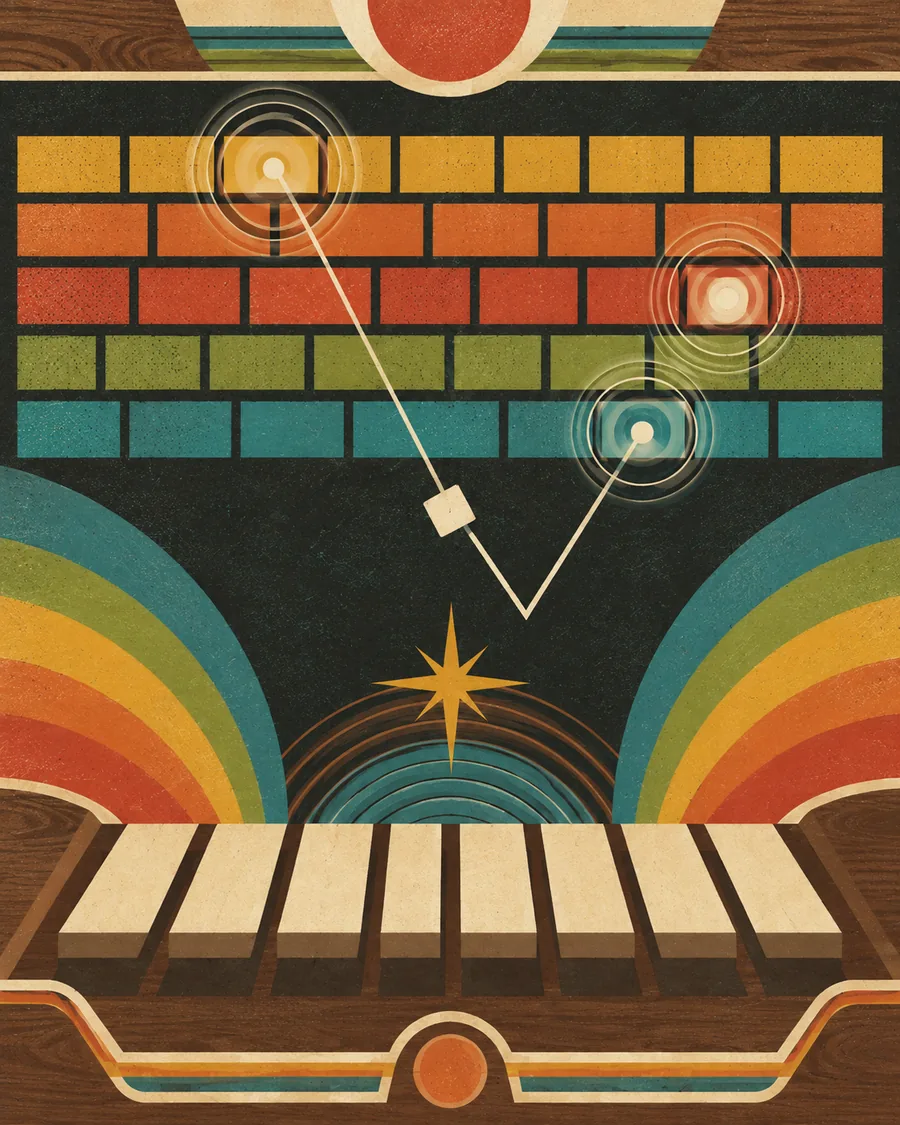 PRESS PLAY. SEE WHAT HAPPENS.
Choose a difficulty and start the console round.
Catch the falling ball with the matching keyboard position.
Open the court or choir host.
Use the shared TV menu, including the Sports Day sequence.
Local keyboard or simulated-opponent play uses browser files. Phone controllers and shared rooms need the live PointCast room and signaling service.
Browser files for a local web server; this is not a native app or a guarantee that every connected feature works offline.
Download game packZIP download · instructions included · no account required
Round scores belong to the current browser or room. Keep any available receipt before closing.
Choose shots, play the CPU, or pass the screen between two local players in a Nouns pickleball match.
 Sports & party
 Turn the whole keyboard into a bouncing ball choir and play a sixty-second daily run.
 Sports & party
 Four keyboard seats share a bouncing choir, with a TV edition that lets phones become controllers.