 Drum arcade
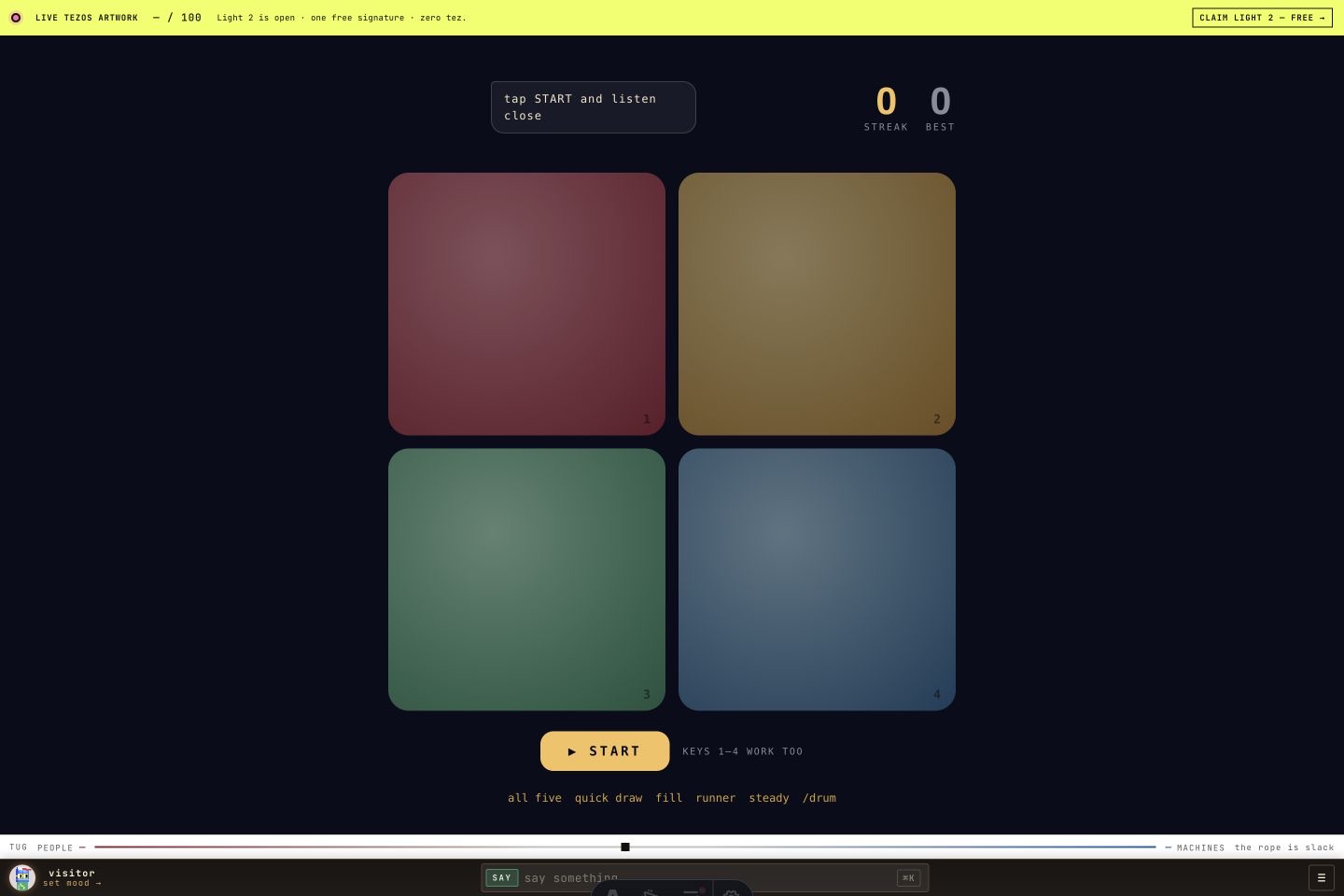
 MEMORY · FOUR PADS
Drum Says
A Noun calls a growing pattern on four drums. Echo it back and hold the thread for one more round.
Put the bingo cards on a shared screen and play connected sound rooms on other devices. Different live sound events mark the cards automatically; the first completed line wins.
Open Drum Bingo on a TV or shared screen.
Use Drum Room v3 and other connected sound rooms on separate devices to make different sound events.
Watch the cards mark automatically as the room plays; the first five in a row, column, or diagonal wins.
Put the cards on the shared screen; the display marks them automatically.
Strike pads on another device to contribute drum events.
Play a variety of connected rooms to call different event categories.
Bingo needs PointCast’s live visitor and sound activity. A variety of connected room events fills different categories; drum taps alone call the drum categories.
Download a launch kit with the live game link and instructions. The game needs its online service; server code is not included.
Download online launch kitZIP download · instructions included · no account required
Cards and called events belong to the current display round. There is no saved campaign progress.
Drum arcade A Noun calls a growing pattern on four drums. Echo it back and hold the thread for one more round.
 Drum arcade
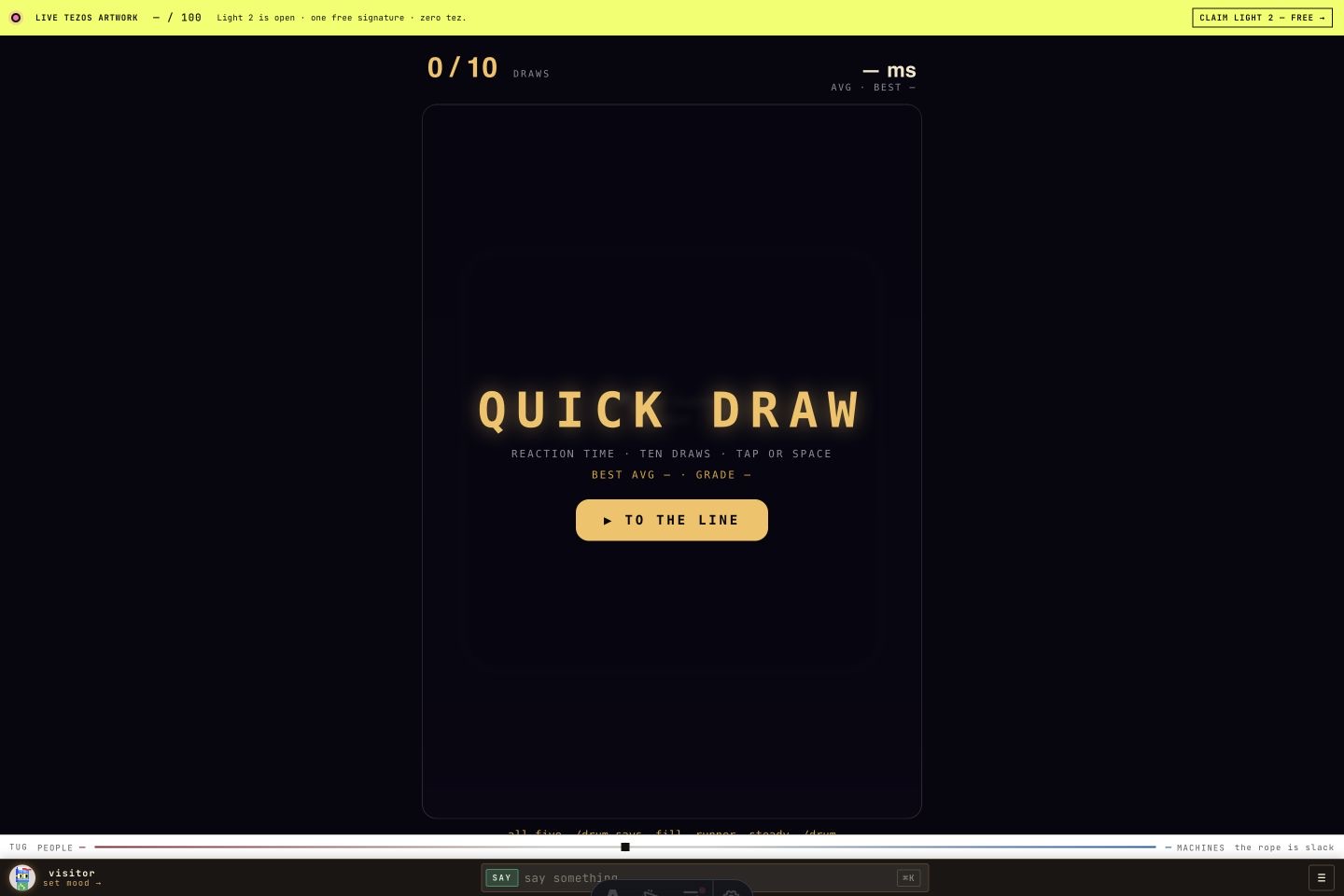
 Wait for gold, ignore the feints, then strike. Ten clean draws become one reaction-time grade.
 Drum arcade
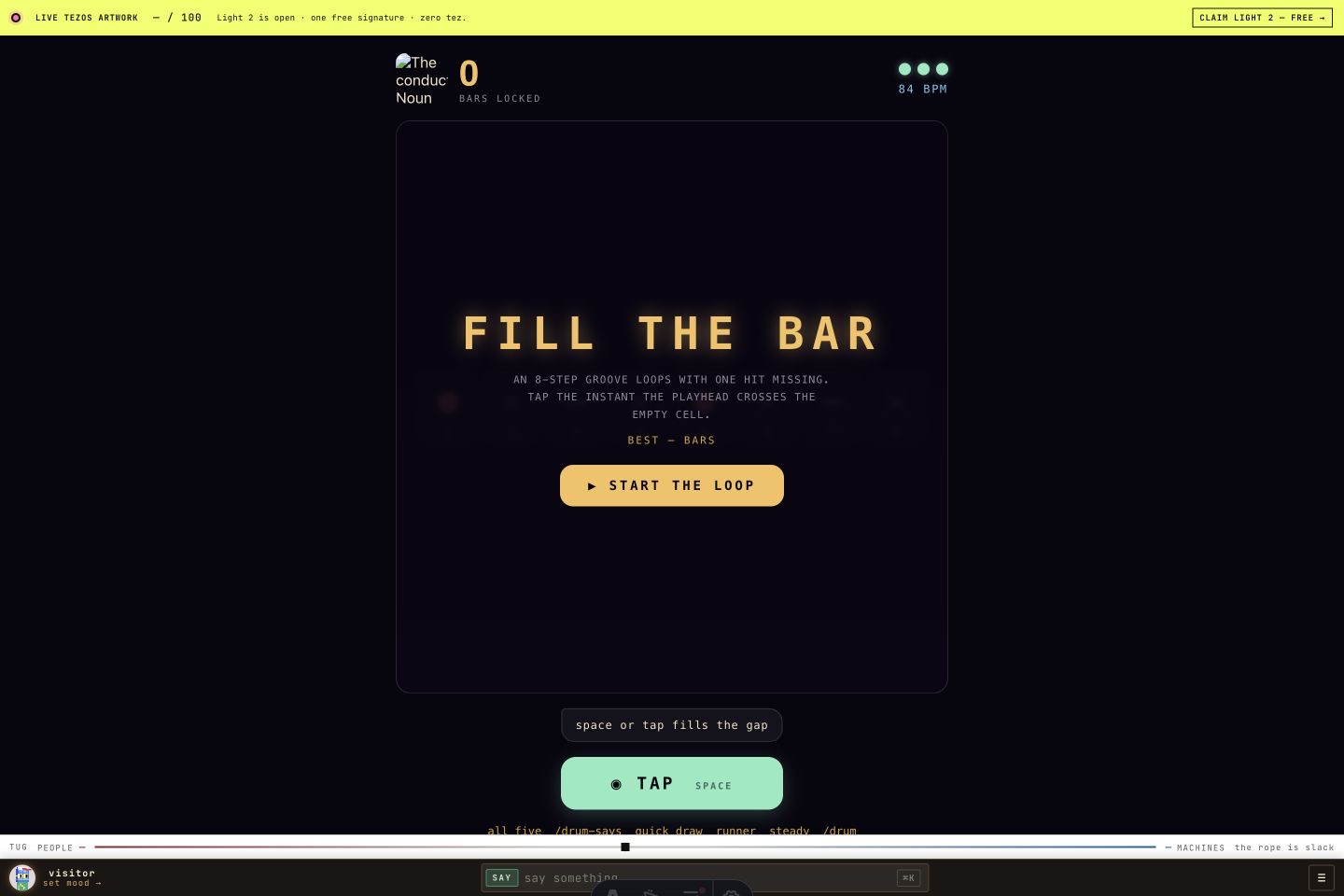
 An eight-step groove has a hole in it. Land a tom in the empty step as the tempo and missing hits multiply.