POINTCAST.XYZ / PMM / BRAND
PMM — PointCast Mobile Messaging
READY.

1. The idea
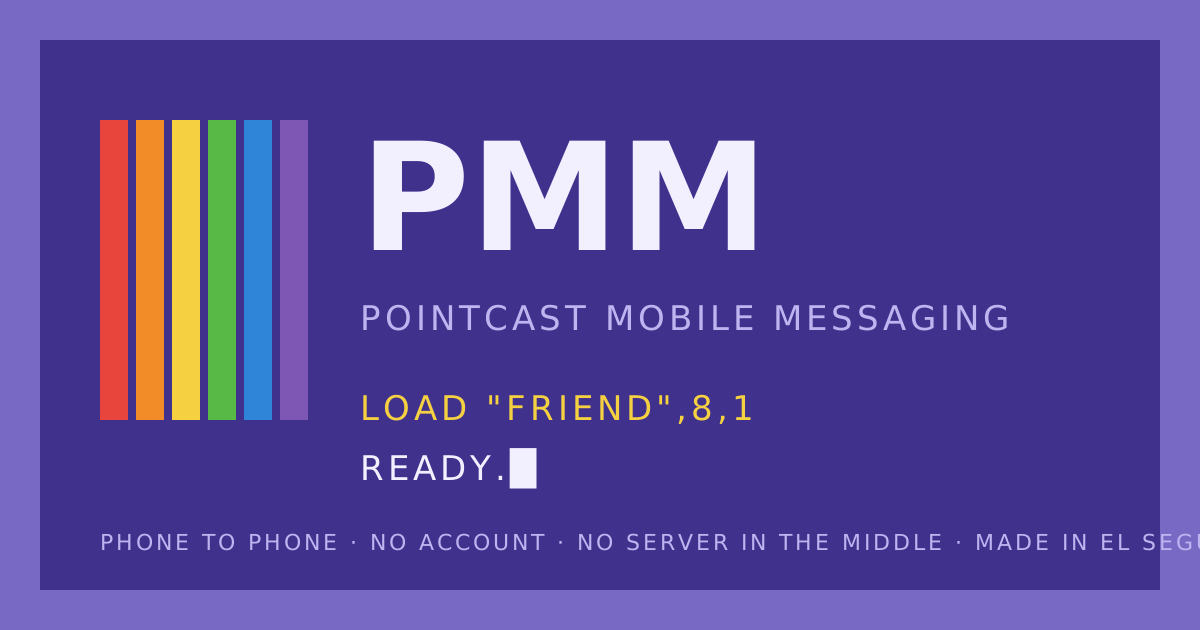
Two machines that liked you. The Atari 2600 said press start and gave you a rainbow. The Commodore 64 said READY. and waited. PMM is a messenger with that manner: it waits for you, it says very little, and when it does the words are in uppercase and the stripes are on.
The brand is not a costume on a modern app. The dark blue screen is the chat. The stripes are the only accent. The prompts are the UI copy. If a screen needs more than that, it is probably wrong.
2. Color tokens
The six stripes always run red to purple, top to bottom or left to right. One stripe set per screen. Never as a background.
3. Type
No webfont. The system monospace is the bitmap font now: ui-monospace, "SF Mono", Menlo, Consolas. Chrome, prompts, labels and buttons are UPPERCASE with letter-spacing: .08em. What people write to each other stays in their own case. Body copy is 16px so phones never zoom the input.
4. Keys
Buttons are keys: a two-pixel border, a three-pixel hard shadow, and they press down two pixels when tapped.
LOAD "FRIEND",8,1RUNJOIN WITH CODECLEAR ALL5. Sigils
Every person is a keypair minted on their phone. The first four bytes of the public key hash pick four PETSCII-style glyphs from a set of sixteen. The sigil is the avatar, the ID, and the trust check: read it aloud to each other, then tap VERIFY.
▌▓●◆▀▄█░▖▗▘▝▚▞▒▐
Glyph set: ▌ ▐ ▀ ▄ █ ▖ ▗ ▘ ▝ ▚ ▞ ░ ▒ ▓ ● ◆
6. Bubbles
Under each bubble, a meta line in 10px uppercase: time, mood, and one of ✓ sent, ✓✓ read, SIGNED, UNVERIFIED.
7. Voice
| Moment | Say | Never say |
|---|---|---|
| Idle | READY. | Welcome back! |
| Start a connection | LOAD "FRIEND",8,1 · PRESS PLAY ON TAPE | Invite a contact |
| Waiting | SEARCHING FOR FRIEND | Connecting… |
| Connected | FOUND · LOADING · RUN | You're all set |
| Something failed | ?DEVICE NOT PRESENT ERROR · ?FILE NOT FOUND ERROR · ?SYNTAX ERROR | Oops, something went wrong |
| Leaving | ESC · LINE DROPPED | Are you sure you want to leave? |
| Signature | MADE IN EL SEGUNDO. — MIKE | © 2026 all rights reserved |
Short. Dry. A machine that likes you. Errors start with a question mark, as the C64 did, and the next line says what to do.
8. Sound and motion
Two square-wave notes: up for send (440 then 660 Hz), down for receive. Off until the first tap, toggle in SET. Motion is stepped, not eased: three frames for a bubble, four for a sheet. Cursors blink at 1 Hz. Reduced-motion turns all of it off.
9. Do and don't
- Do keep the screen dark blue and the border light blue. That pair is the brand.
- Do use the rainbow once per screen, as a stripe, never as a wash.
- Do write errors as the machine would, then say the fix.
- Don't add a bitmap webfont. The system monospace is the point.
- Don't round corners. Nothing here is rounded.
- Don't put a logo on it. The wordmark is the letters and the stripes.
- Don't say Atari or Commodore in the product. People should name them unprompted.
10. Files
- wordmark.svg · icon.svg · card.svg
- Tokens live at the top of /pmm/style.css.
- Product brief:
docs/prd/pointcast-mobile-messaging.mdin the PointCast repo.

MADE IN EL SEGUNDO, OCTOBER 2026. — MIKE