POCKET SOFTWARE / WEB / FREE
TONE
BLOOM
Twelve synthesized voices, four speeds, 38 precisely chosen images—and the rare consumer app that knows when to stop.
EDITOR'S
CHOICE 4.5 OUT OF 5
Tone Bloom is a pocket sound garden that feels like software from a better 1987: enormous type, fearless color, almost no instructions, and one excellent idea. Tap a picture. Hear a bell, a bowl, a marimba, a soft electronic spring. Swipe again. The whole thing changes before your thumb has time to get bored.
It works in the awkward little seams of a day: standing in the grocery line, watching the Hudson pass from a train, riding the Surfliner north, or making the final screen before bed something gentler than a feed. No account. No streak. No push notification asking whether you still care about tranquility.
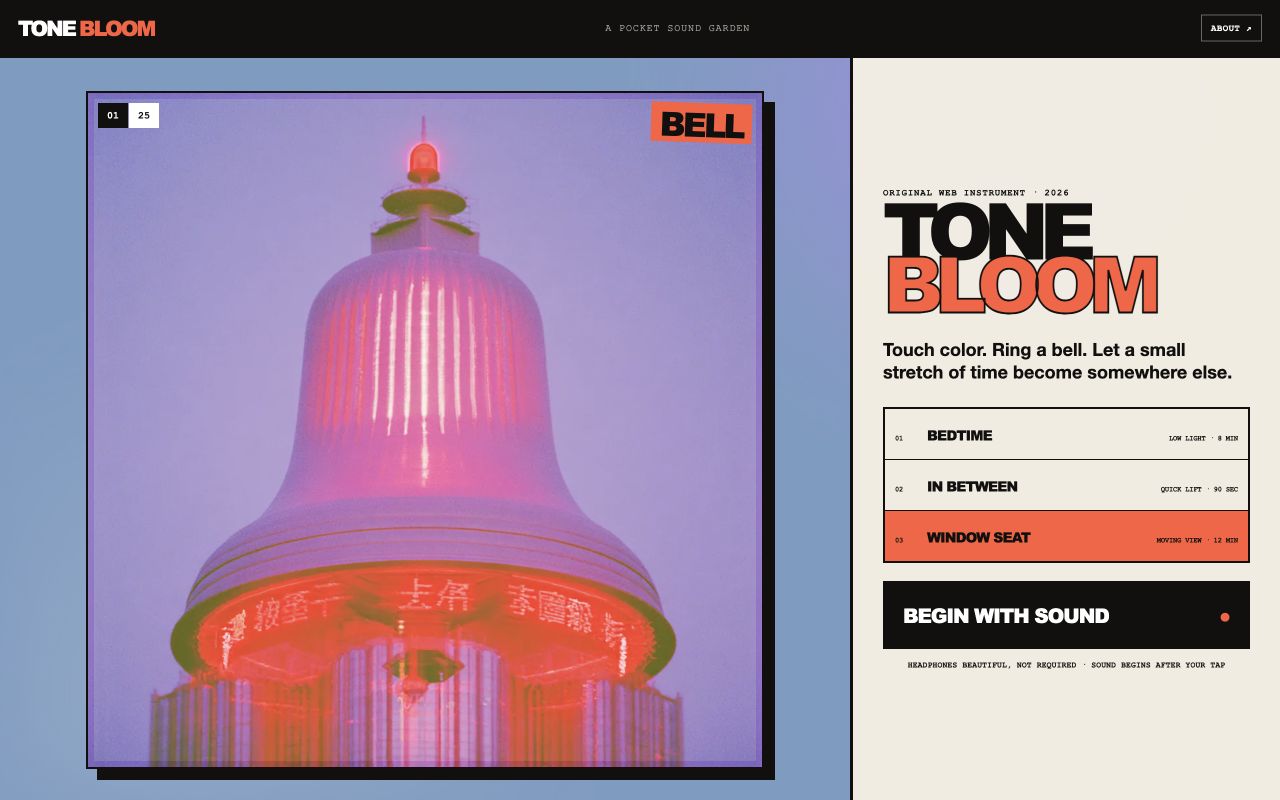
OPEN, TAP, EXHALE
THE GOOD KIND OF IMMEDIATE
Tone Bloom passes the most important consumer-software test in about six seconds: you know what it wants from you, and doing it feels good. The image fills the screen. The controls stay within one-thumb range. Audio waits for your first touch—as browsers sensibly require—and then responds without ceremony.
Manual mode turns the library into a tiny instrument. Auto mode becomes a visual listening session. Neither mode pretends to be productivity.
FOUR WAYS TO LET TIME PASS
Long, slow intervals. Our before-bed pick.
The original easy rhythm for a short train window.
Enough motion to reset a grocery-line brain.
Fast, bright, and almost pop-y. Surprisingly effective.
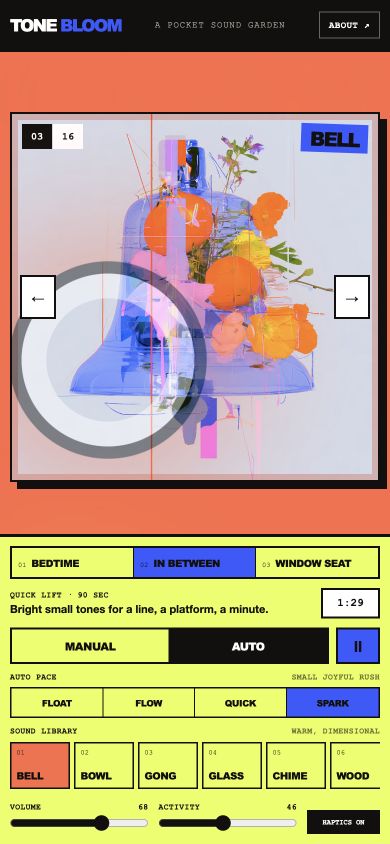
THE SOUND CARD
GOOD VIBRATIONS,
NO DOWNLOAD
The 12 voices are synthesized in the browser, which makes Tone Bloom instant and light. The meditative side—bell, gong, bowl—lands first. Velvet Vibes and Sunlit Marimba soften the middle. Water Drop and Neon Spring give the playful end a welcome little snap.
Headphones reveal more of the tails and overtones, but they are not required. Different browsers and speakers color synthesized audio a little differently.
THE 500-IMAGE QUESTION
THE ANSWER ISN'T
“SHOW ALL 500”
Tone Bloom has access to a huge Midjourney V8.2 image archive. The tempting move would be to pour it all into the product. The correct move is the 38-image core: small enough to feel authored, large enough to keep returning.
A later “Archive Drift” mode could lazily open the deeper collection for longer, stranger sessions. For now, curation gives each sound-image pairing a chance to become familiar—the beginning of an experience instead of a slideshow.
If you want the maximalist art-viewer version of this world, enter The Listening Grove ↗.