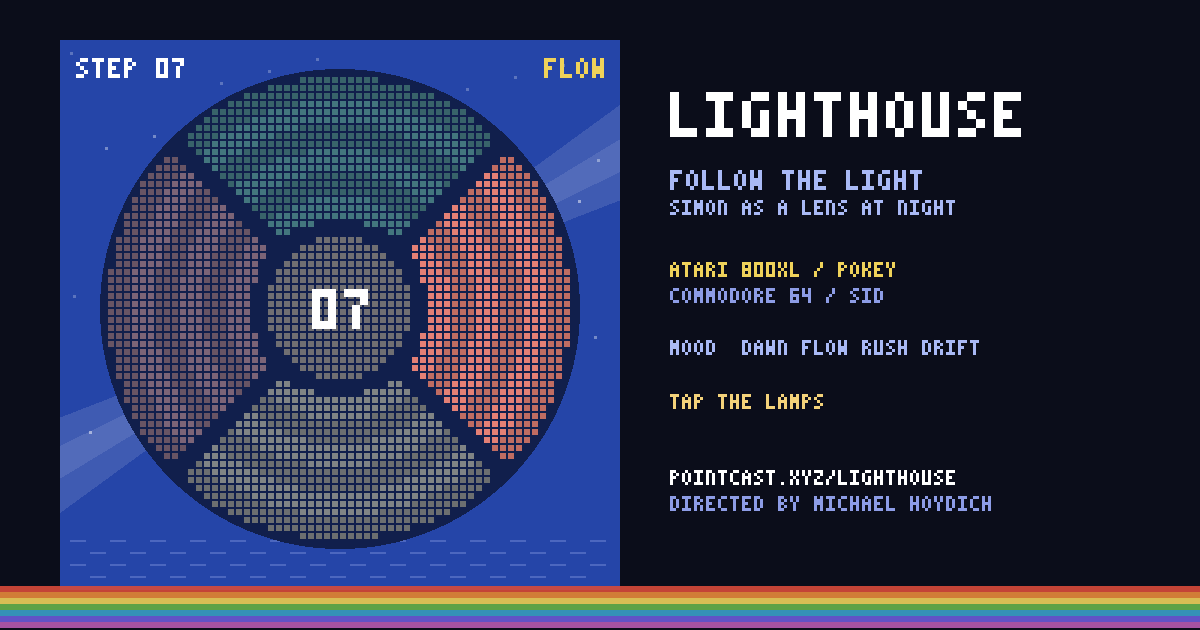
Simon as a lighthouse lens at night. Four lamps in Atari 800XL or Commodore 64 colors play a growing sequence of light and tone; play it back. The game keeps a mood with you, a CALM dial replays a miss, and FREE turns the lens into an instrument.
Pick 800XL or C64 and let it boot, or tap to skip the READY prompt.
02
Watch the light, then repeat it. It adds one lamp each round and speeds up after the 5th, 9th and 13th step.
03
Try CALM for no game over, or FREE to play the four lamps as an instrument.
Your controls
Tap or click the lamps; tap anywhere to start.
Keys: arrows, W D S A, or 1 to 4 clockwise from the top play the lamps; Space starts, P pauses, F full screen, M sound, C scanlines, X switches machines, Z turns the mood dial, T free play.
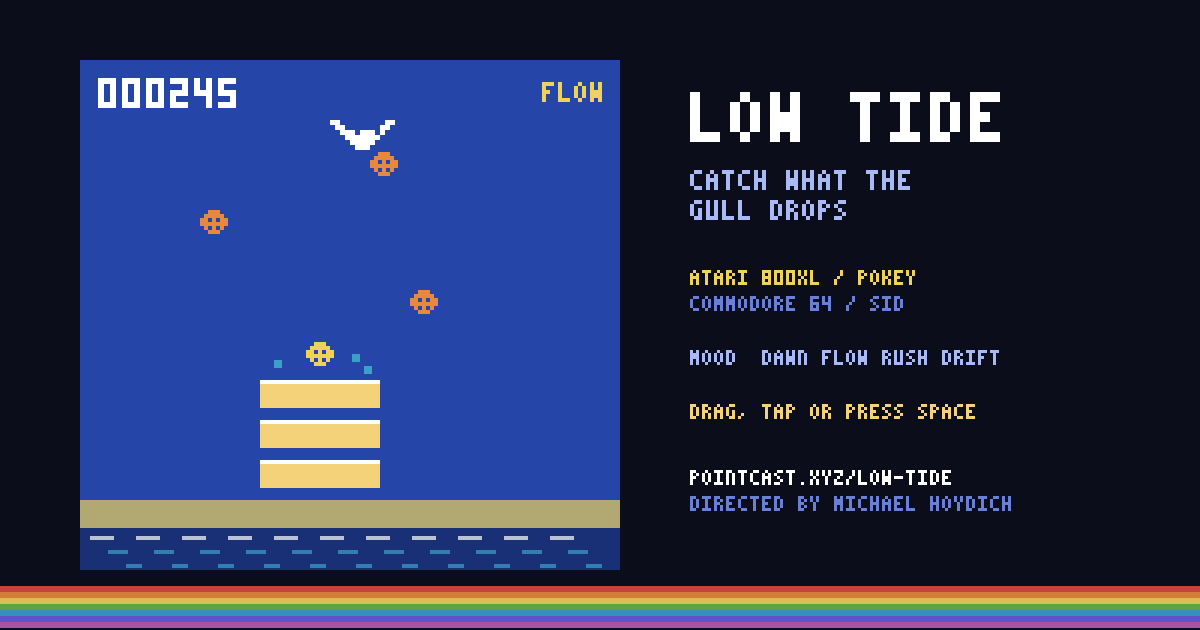
A gentle Kaboom!: a gull drops shells and a stack of three buckets follows your finger along the sand. Every catch plays the next note of a rising run; the tide takes what you miss. Atari 800XL or Commodore 64 blue, and a CALM dial with no game over.
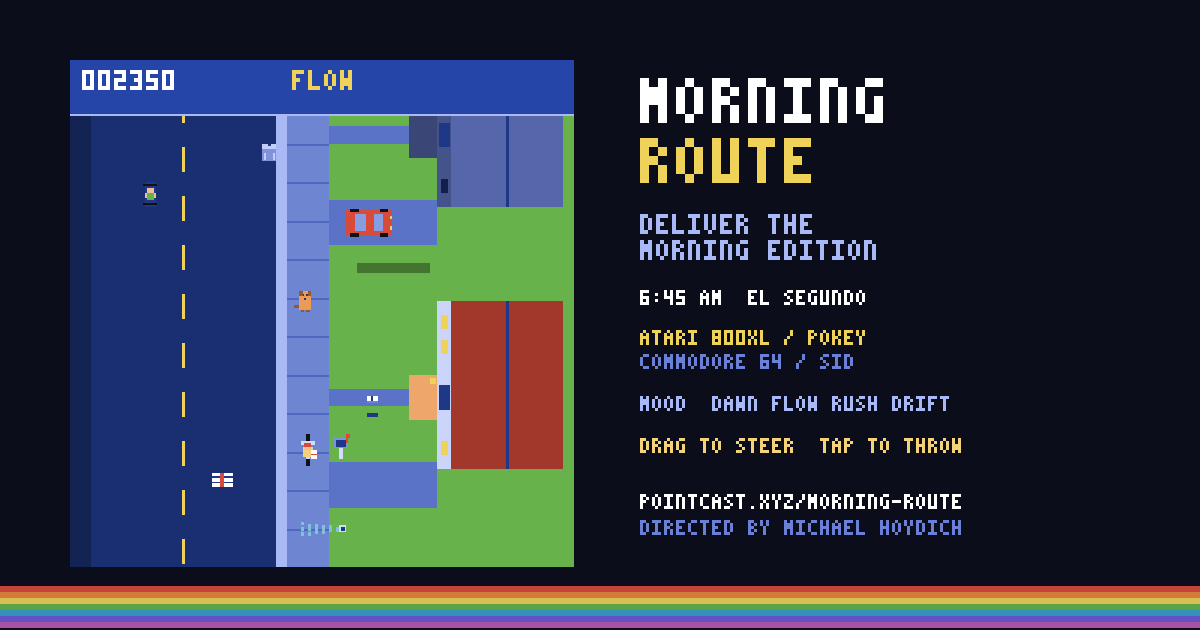
Ride an El Segundo street at 6:45 AM and throw the Morning Edition onto lit porches and into mailboxes, past sprinklers, a sitting dog and a car backing out. Atari 800XL or Commodore 64 colors, chip sound, a report card every day, and a mood you keep together.
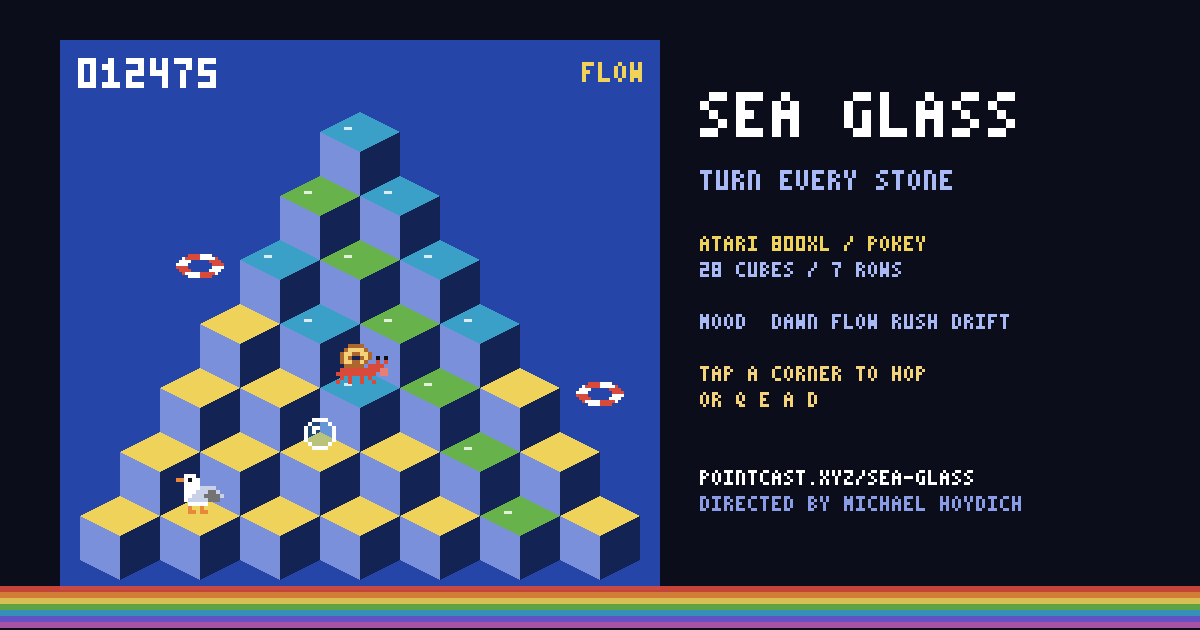
Hop a hermit crab across a pyramid of 28 cubes in Atari 800XL or Commodore 64 blue, turning each top from sand to sea glass past bubbles and a gull. The game keeps a mood with you, and a CALM dial has no game over.
 Retro arcade